

Full Service
Plans
Comprehensive roadmap execution from infrastructure to identity.
Explore PlansIn-House Products
Read the chart. Then understand what you are reading.
AI Chart Trading Analyzer is a market analysis app.
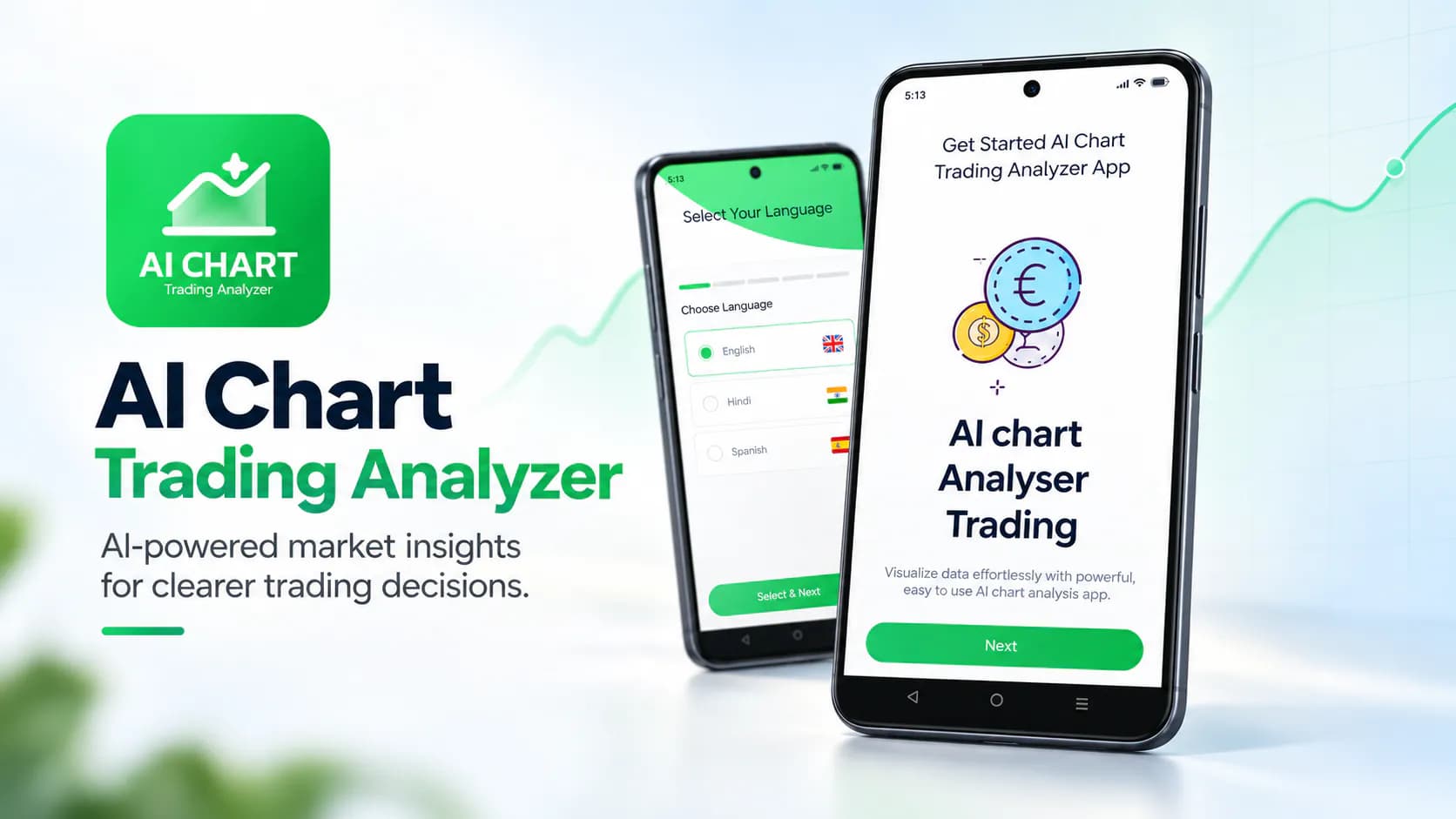
AI Chart Trading Analyzer is a market analysis app. It pairs charting tools with AI-generated insight so users understand trends, patterns and price movements instead of just looking at them. It serves two audiences at once. Newcomers trying to make sense of a candlestick chart for the first time. And people who already know trading concepts and want a structured place to practise and sharpen their analysis.
Learning to read a trading chart is genuinely hard. The available tools don't help in the way beginners need. Professional charting platforms are powerful but assume you already know what a support level or a moving average crossover or a divergence looks like. They show you all of it and explain none of it. At the other extreme the mobile app stores are full of products that skip understanding and just issue buy and sell signals. That teaches the user nothing and asks them to trust a black box with their money. Between those two poles there was very little. No straightforward mobile app that shows a chart, points out what is actually happening on it and explains the reasoning in language a person can follow. So many people who want to learn market analysis either give up on the tooling or end up depending on signals they cannot evaluate.
We built an app that sits in that middle ground on purpose. It gives advanced charting tools for examining price action. On top of that sits AI-based insight describing trends, patterns and movements in plain language. The emphasis is comprehension and not instruction. The app helps users work out what a chart is showing and build their own analysis skills. It doesn't tell them what to buy. That distinction shaped the product. It is a structured space for exploring charts. A user can examine the same market again and again and develop a feel for it instead of getting a verdict and moving on. The interface stays approachable enough that a beginner isn't lost straight away. It keeps enough charting depth that a more experienced user is not held back. The app is free and ad-supported. That keeps the barrier to entry at zero for the learners who need it most.
The defining product decision was to build an analysis and learning tool rather than a signal service. Signal apps are easier to market and easier to monetise. But they create dependency instead of competence. They also carry an implied promise about outcomes that no honest product can make. We focused on explanation instead and positioned the app as a place to develop analysis skills. That shaped how we describe it too. The store listing talks about supporting understanding of trends and patterns. It says nothing about returns. Free ad-supported distribution was a deliberate call as well. The users who get the most from a learning tool are the least likely to pay upfront for a category they are still exploring. Removing the price barrier reaches the right audience.
Platform: Android. Published on Google Play under the WANDERCODE developer account. Core capabilities: chart rendering and interaction, AI-driven analysis of chart data, market data integration and mobile advertising integration for monetisation. Data practices: device identifiers collected and shared with third parties in connection with advertising.
The app is live on Google Play in the Productivity category with 1,000+ downloads and a 3+ content rating. It was last updated in September 2026. It makes chart analysis reachable for people who would find a professional trading terminal impenetrable. And it avoids the trap of issuing signals users cannot evaluate. Pairing charting with AI-generated explanation gives beginners a route into technical analysis that builds understanding rather than dependency. More experienced users get a structured space to practise. For WanderCode it shows applied AI on visual and numerical data in a consumer mobile product. It also shows the team building in a domain where clarity of explanation is the whole value.
Project at a Glance
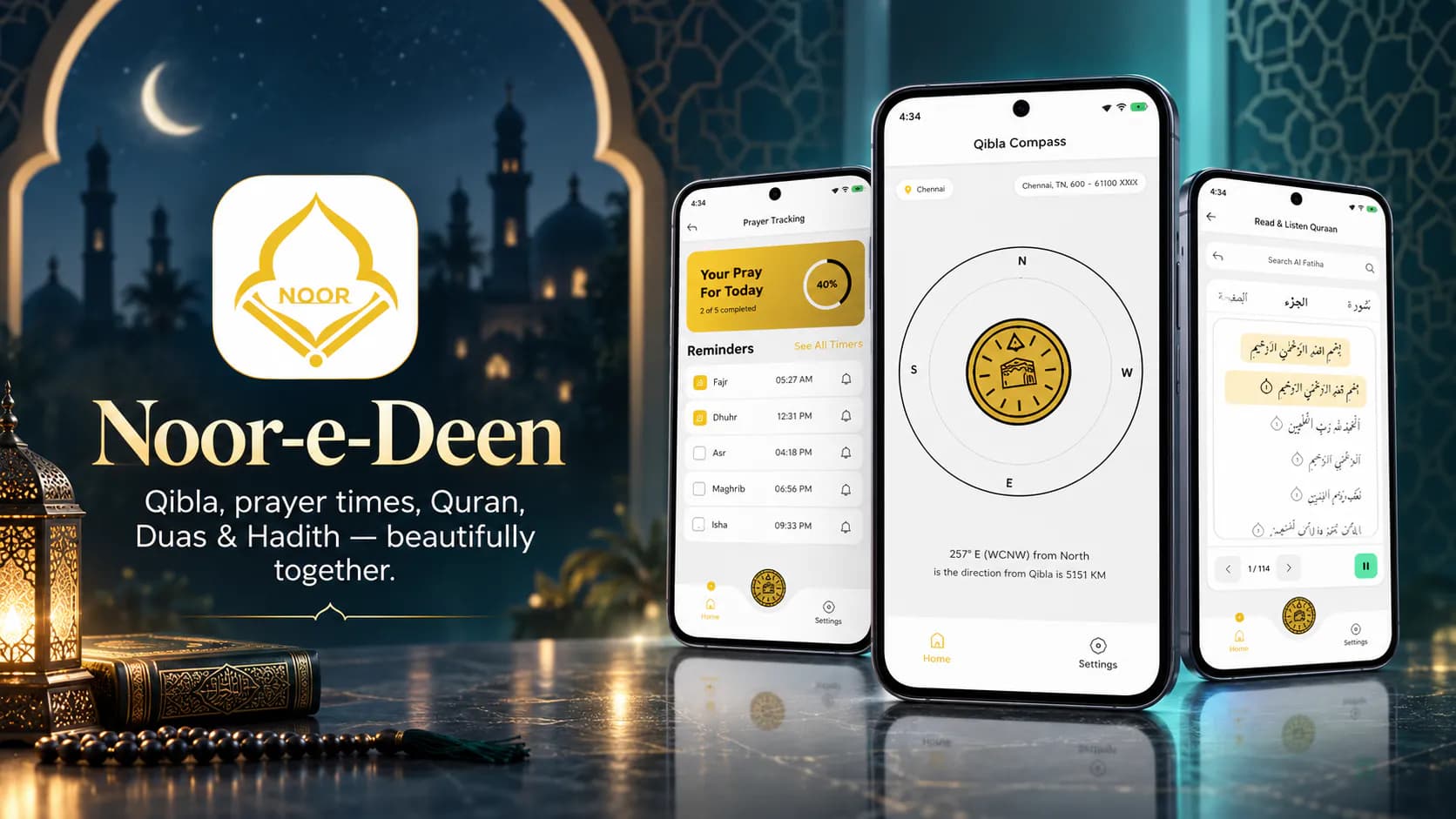
Noor-e-Deen puts five daily Islamic tools in one app. There's an accurate Qibla compass. There are prayer timings for the user's location.
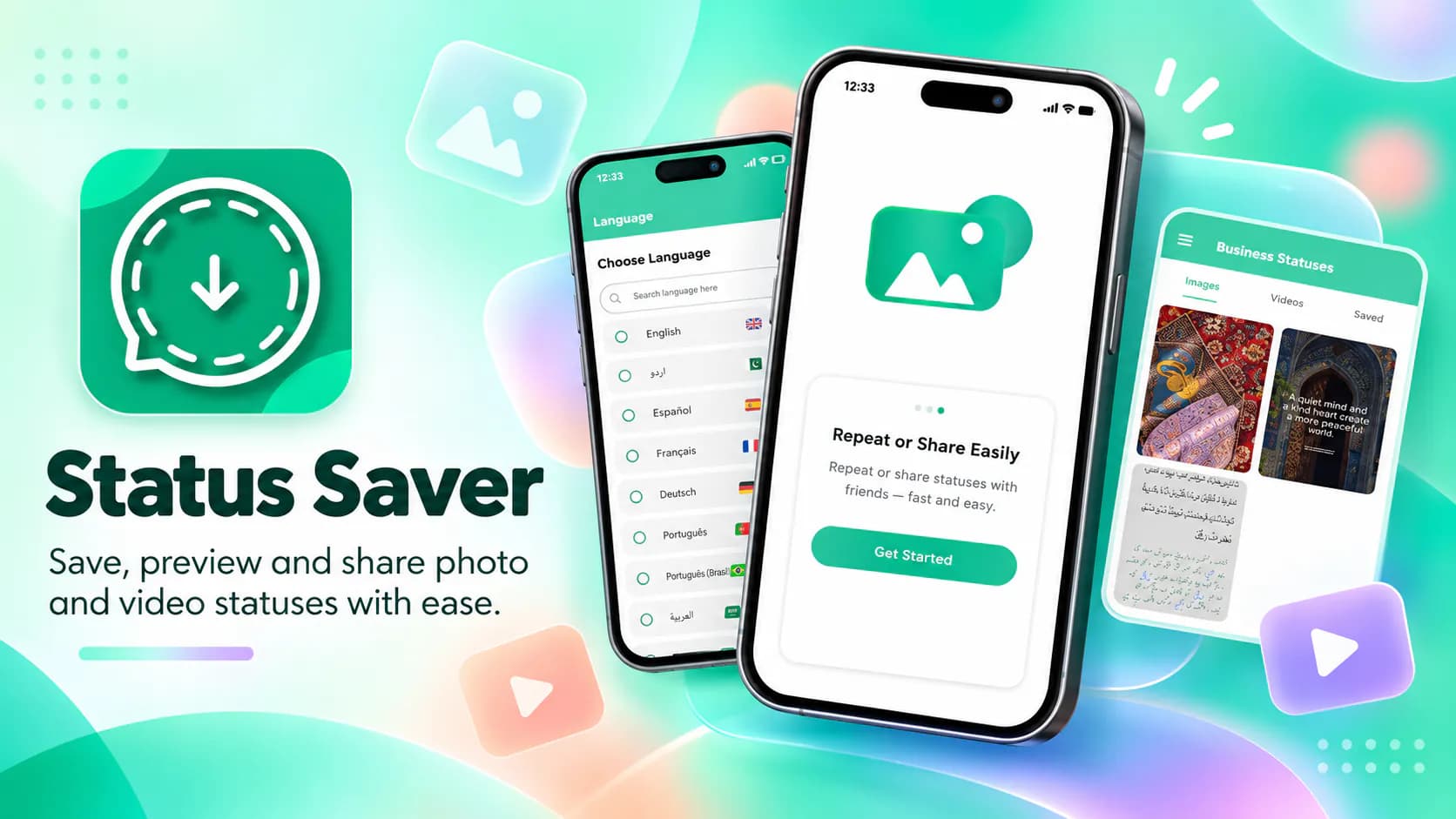
Status Saver lets users download and keep the photo and video statuses their contacts post on WhatsApp. Saved items can be viewed offline and reshared.
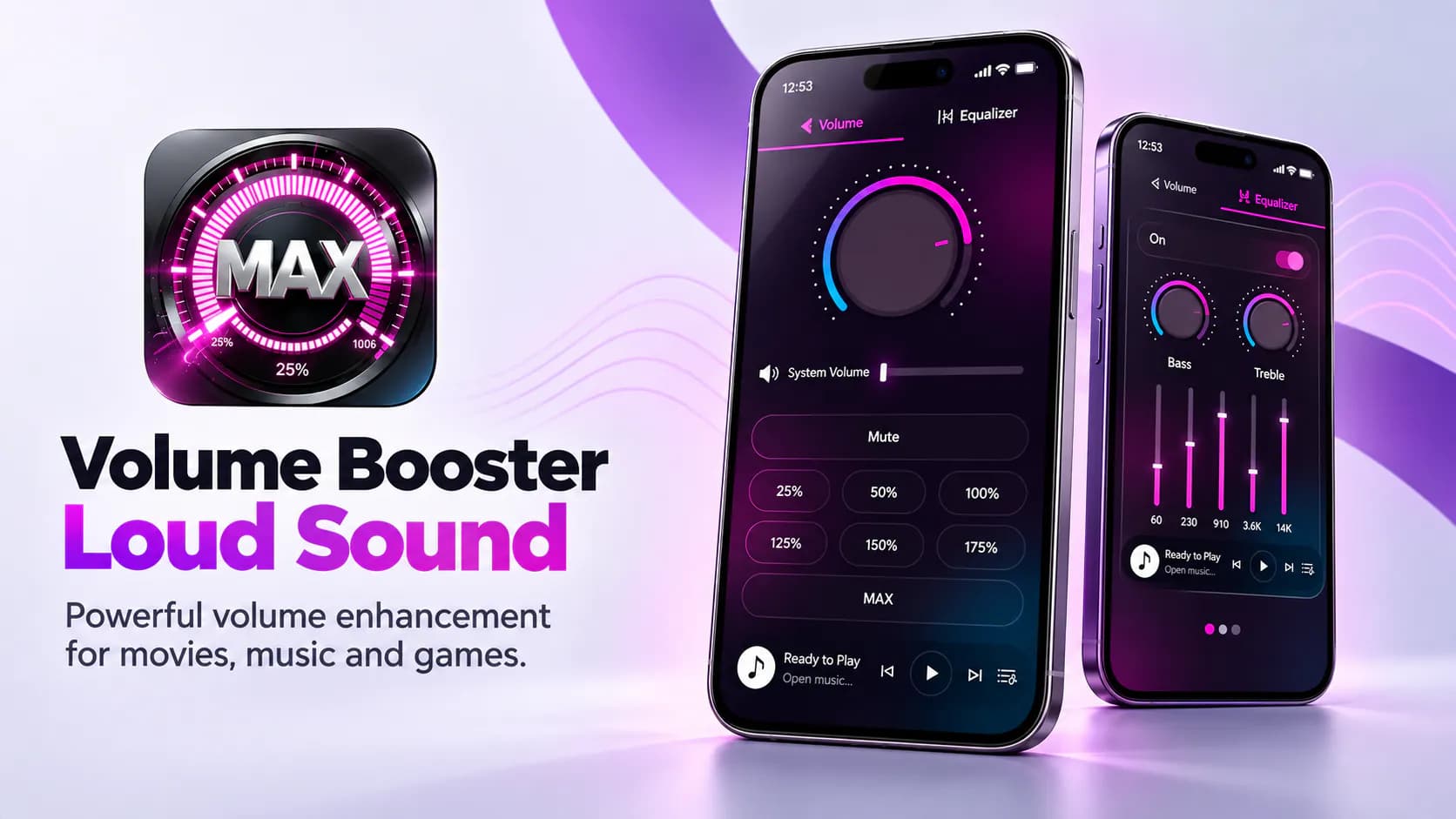
The app raises audio output past the device's standard maximum. Users get louder playback for movies, games and music.
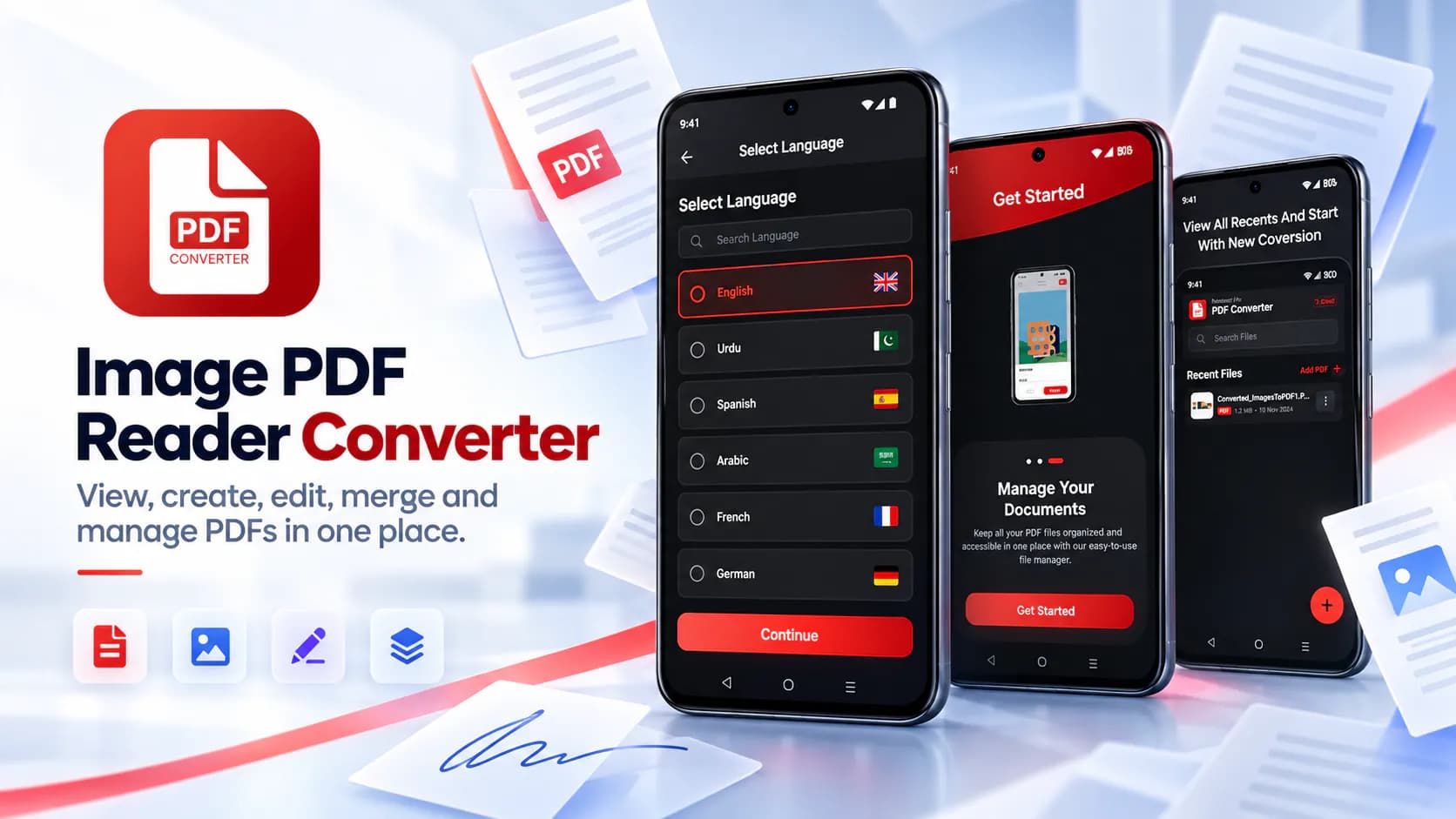
Image PDF Reader Converter is a full mobile PDF toolkit. View PDFs, turn photos into PDFs, edit pages, add signatures, merge files and split out the pages you need.