

Full Service
Plans
Comprehensive roadmap execution from infrastructure to identity.
Explore PlansIn-House Products
All the PDF work you need in one app.
Image PDF Reader Converter is a full mobile PDF toolkit. View PDFs, turn photos into PDFs, edit pages, add signatures, merge files and split out the pages you need.
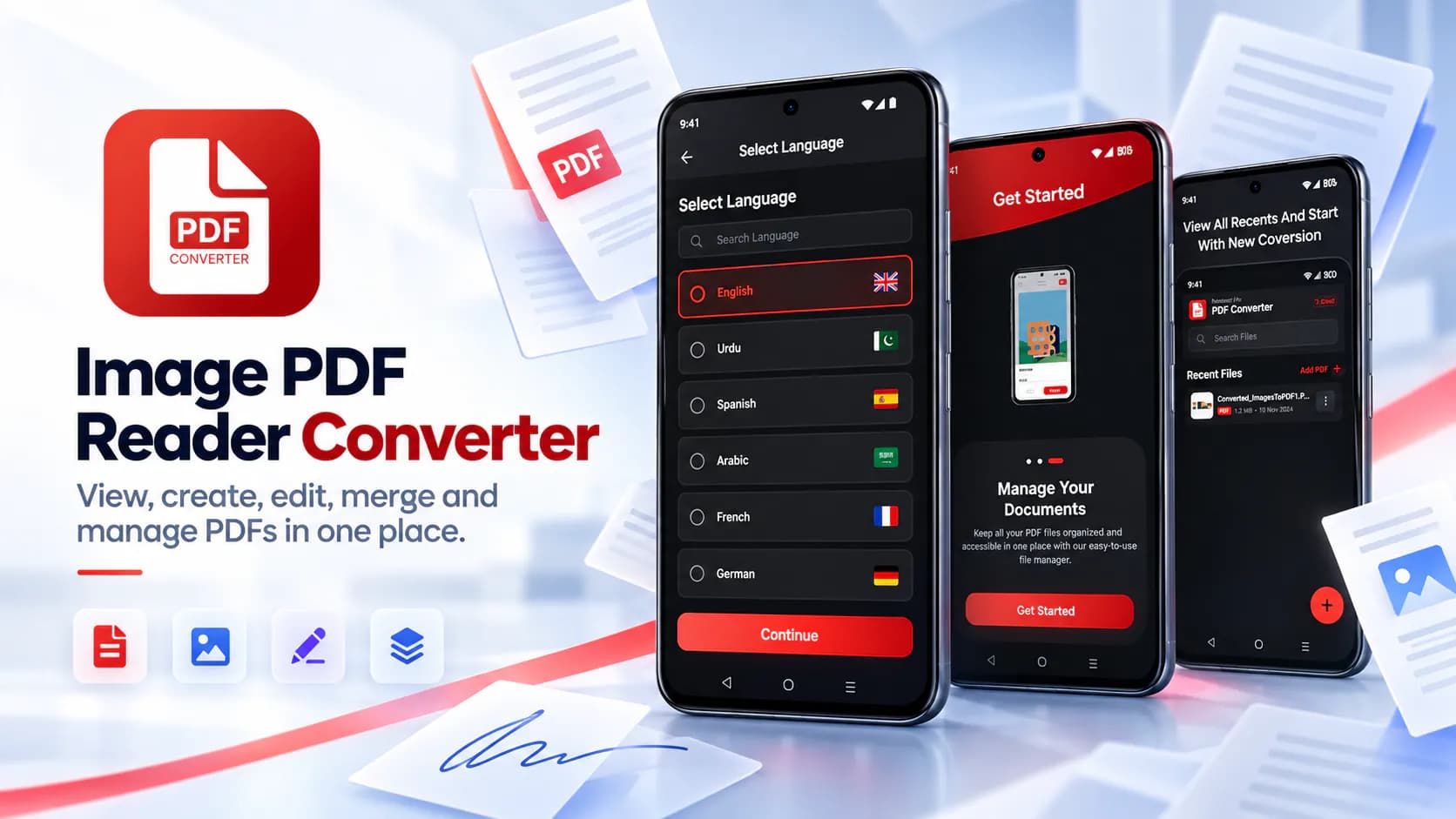
Image PDF Reader Converter is a full mobile PDF toolkit. View PDFs, turn photos into PDFs, edit pages, add signatures, merge files and split out the pages you need. It is built for students, office workers, teachers, freelancers and anyone who handles documents on a phone rather than at a desk.
PDF work on mobile is fragmented in a way it never is on a laptop. Reading a PDF needs one app. Converting a photo of a receipt or an assignment into a PDF needs another. Combining two documents needs a third. Pulling out selected pages needs a fourth. Signing something usually means printing it, signing on paper, photographing it and sending it back. That is absurd for a device with both a camera and a touchscreen. The tools that do bundle these functions are often aimed at professionals and priced to match. They are built around subscriptions that are hard to justify if you need to merge two files a month. Students submitting assignments and freelancers sending invoices and office workers handling paperwork on the move were all falling between those options. Too many separate apps or one expensive one.
We built a single app covering the full set of daily PDF tasks. The viewer opens and reads PDFs smoothly for comfortable on-screen reading. The converter turns images into PDFs in a few taps. Photos come from the gallery or straight from the camera which covers document photos, notes, receipts, ID cards and assignments. Before saving users can edit pages properly. Apply filters to clean up a photographed document. Rotate, crop and draw directly on the page. Add an electronic signature which kills the print-sign-scan cycle. Merging combines two or more PDFs into one file for easier sharing. Splitting pulls chosen pages into a new document. Built-in file management handles sharing, renaming and deleting so the work doesn't immediately spill back out into a separate file browser. It is all free and ad-supported with no feature reserved for paying users.
The guiding decision was completeness over specialisation. A PDF app that only reads or only converts sends the user straight back to the app store for the next task. So we covered the full daily workflow end to end in one product. We were deliberate about including e-signatures. The print-sign-scan cycle is the most disproportionate piece of friction in mobile document handling. Removing it changes how usable a phone is for paperwork. We also argued for free access across the board. The people who most need mobile PDF tools are students and freelancers. They're the least able to justify a professional subscription. Gating merge or split behind a purchase would shut out exactly the audience the app was built for. The edit-before-save step exists because a photographed document almost always needs straightening or cleaning up. Requiring a separate image editor first would break the flow.
Platform: Android. Published on Google Play under the WANDERCODE developer account. Core capabilities: PDF rendering and page turning, image-to-PDF generation, PDF page manipulation for merge, split, rotate and crop, image filtering for document cleanup, touch-based drawing and signature capture, camera and gallery integration and device file management with share-sheet support.
The app is live on Google Play in the Books & Reference category and was last updated in May 2026. It is among the newer products in the WanderCode portfolio. It replaces what would otherwise be three or four separate installed apps with one. Reading, conversion, editing, signing, merging, splitting and file management all sit in the same place. The signature feature removes the print-sign-scan cycle. A task that once needed a printer and a scanner now takes under a minute on a phone. Keeping all functions free puts the full toolkit in front of the students and freelancers who need it most. For WanderCode it shows document processing, image manipulation and camera integration combined in one consumer product.
Project at a Glance
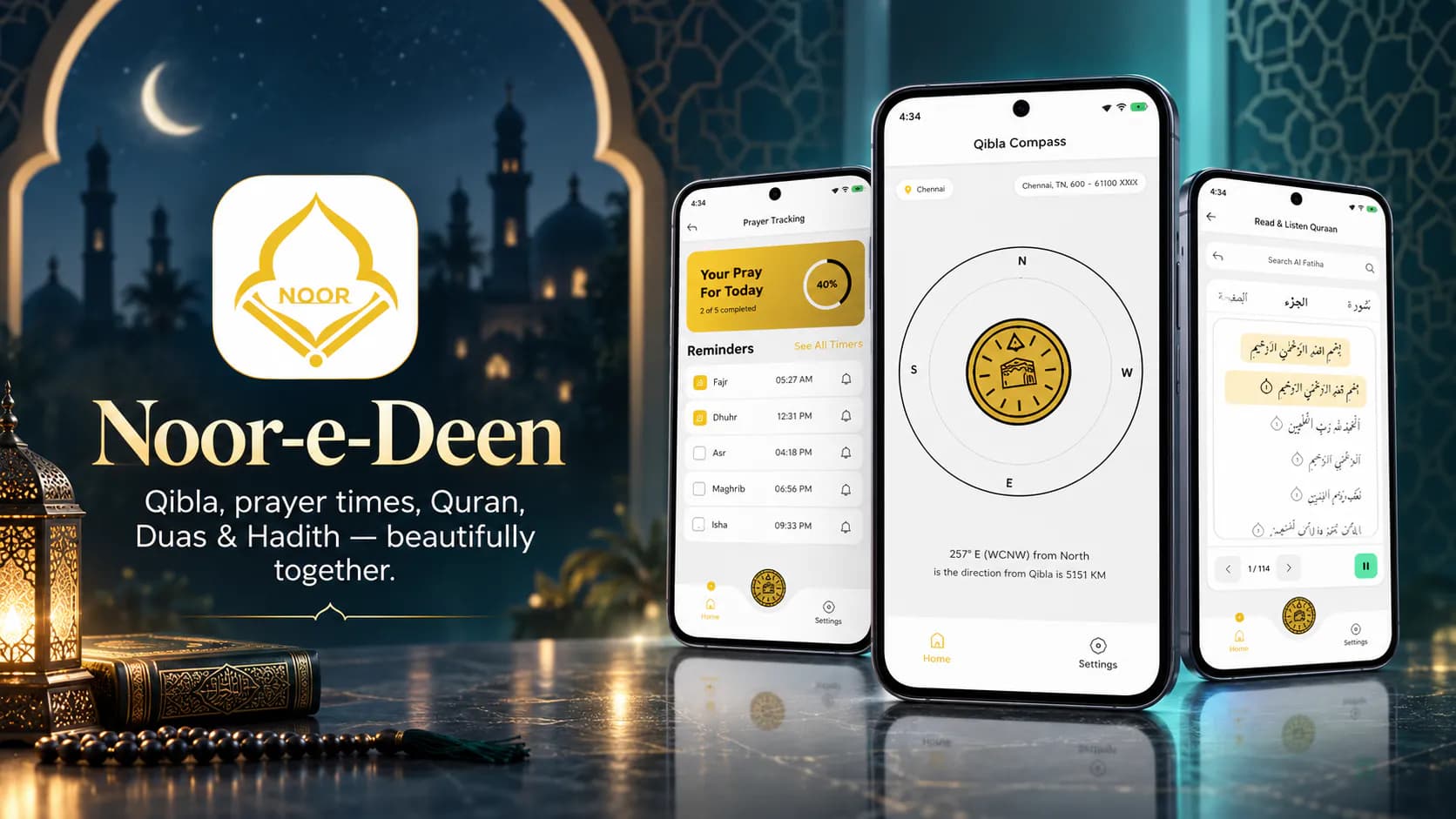
Noor-e-Deen puts five daily Islamic tools in one app. There's an accurate Qibla compass. There are prayer timings for the user's location.

AI Chart Trading Analyzer is a market analysis app.
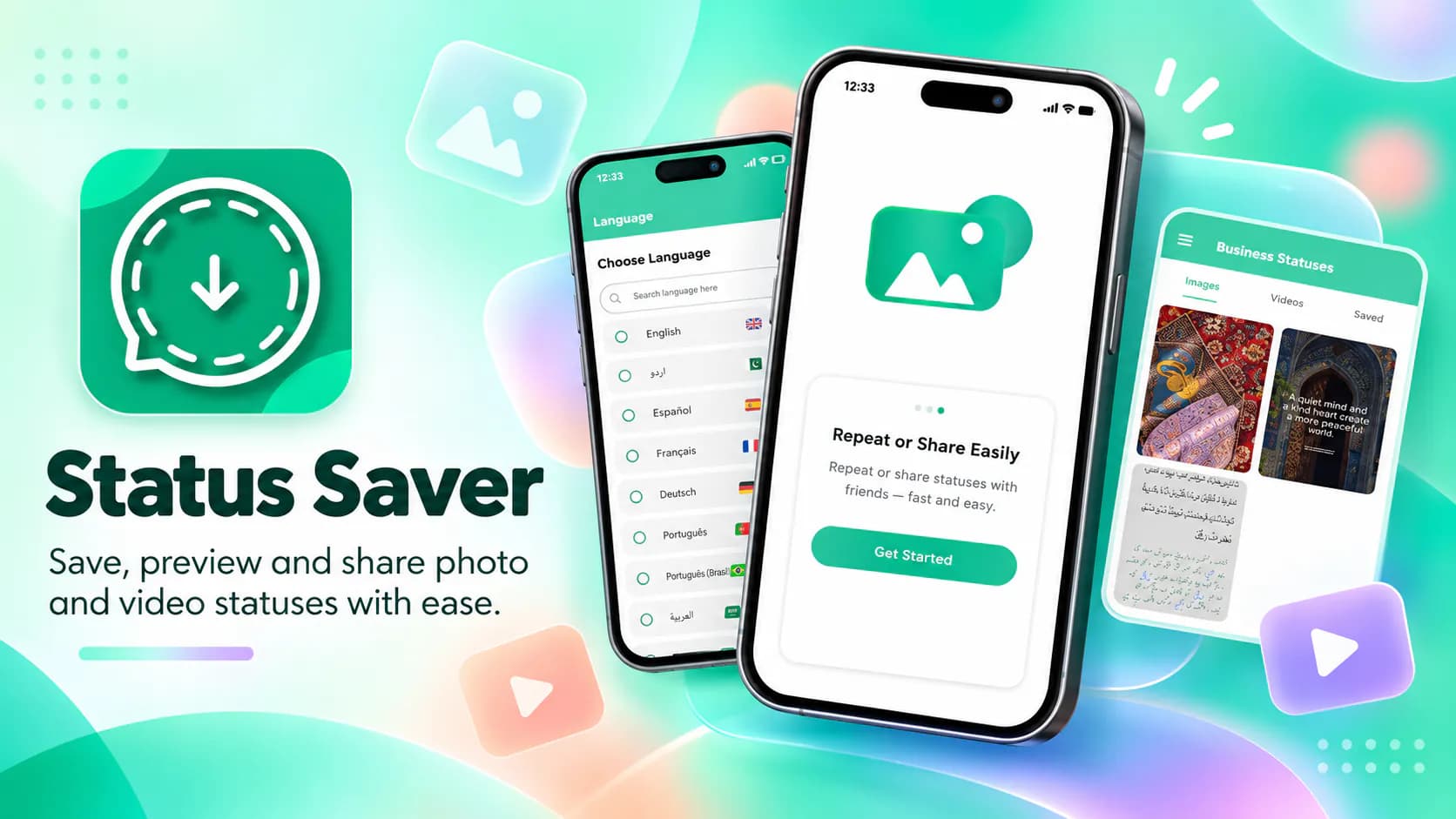
Status Saver lets users download and keep the photo and video statuses their contacts post on WhatsApp. Saved items can be viewed offline and reshared.
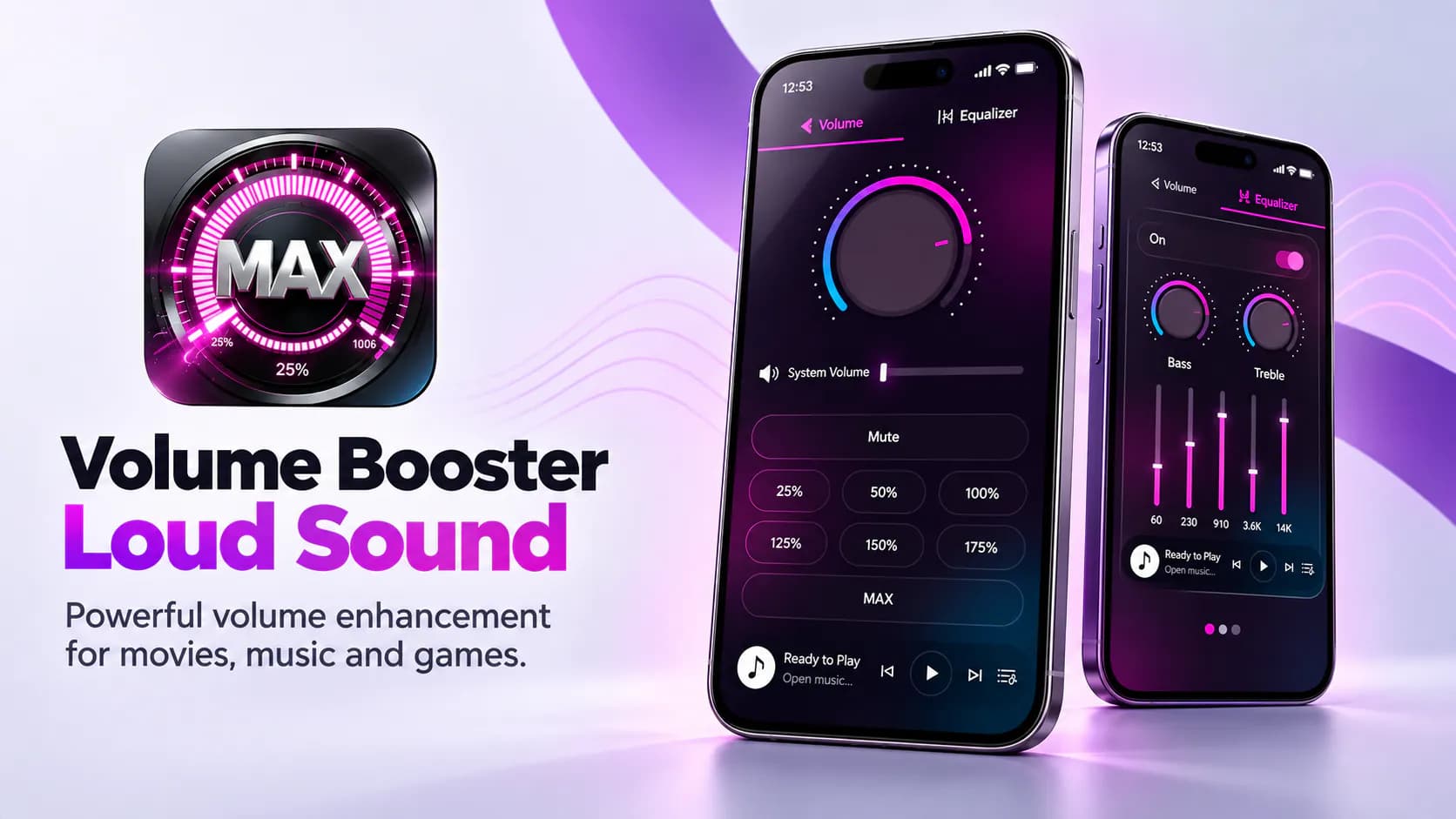
The app raises audio output past the device's standard maximum. Users get louder playback for movies, games and music.