

Full Service
Plans
Comprehensive roadmap execution from infrastructure to identity.
Explore PlansIn-House Products
Keep the status you liked before it disappears.
Status Saver lets users download and keep the photo and video statuses their contacts post on WhatsApp. Saved items can be viewed offline and reshared.
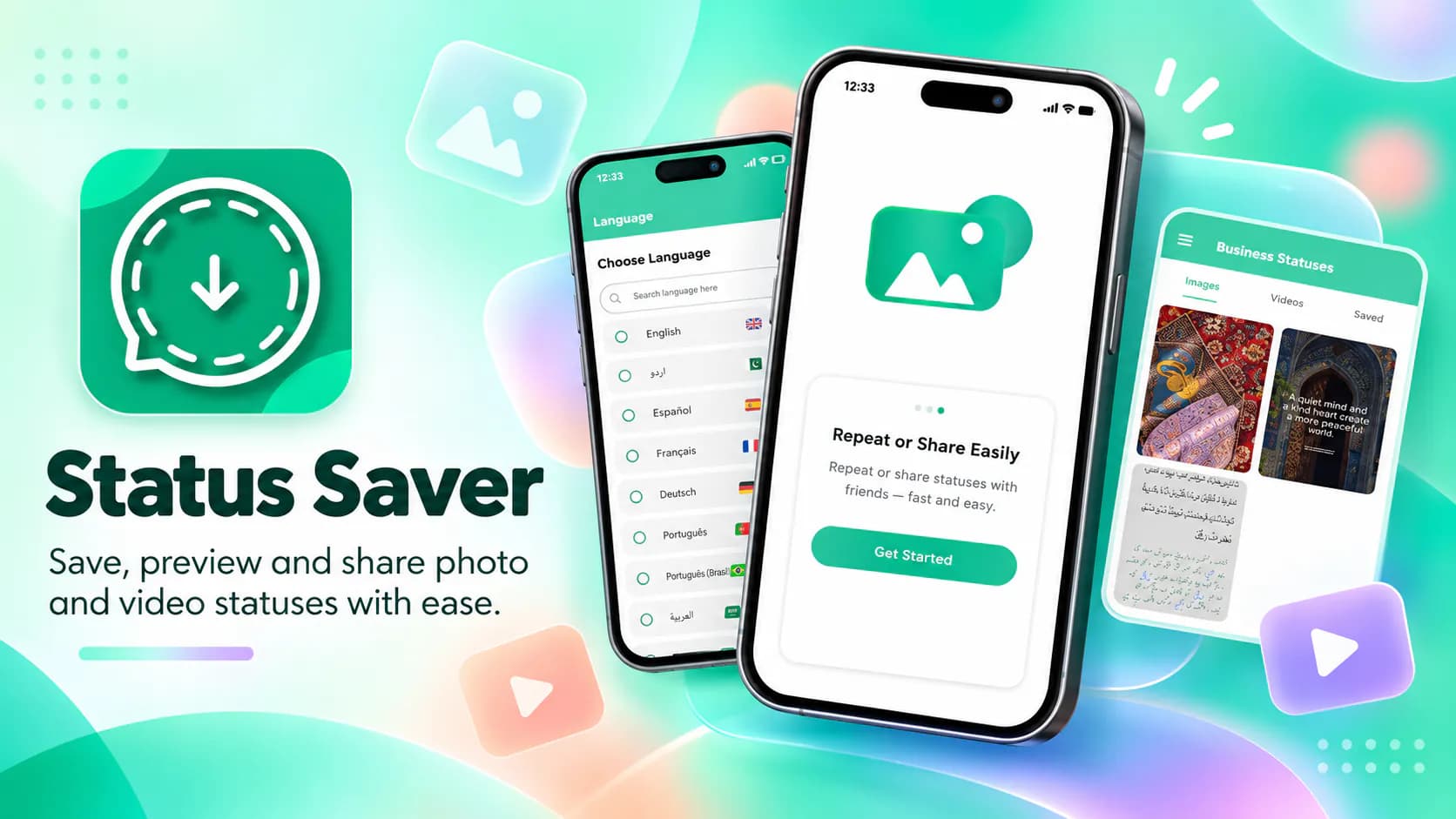
Status Saver lets users download and keep the photo and video statuses their contacts post on WhatsApp. Saved items can be viewed offline and reshared. It serves a very large group of messaging users. They regularly see something worth keeping. A family photo. A video clip. A shared moment. And there's no built-in way to save it before it expires.
Statuses disappear after twenty-four hours by design. That's the point of the format and also its most common frustration. A user sees a photo from a family member or a video clip worth keeping. The options are poor. A screenshot loses quality and can't capture video at all. Asking the person to send it separately is awkward and often forgotten. Once the day passes it is gone. The apps that address this are generally not pleasant to use. Many are slow or cluttered with aggressive advertising or asking for permissions well beyond what saving a file requires. Some charge for basic function that should be free. For a task this simple the bar should be low friction and full transparency. Much of the category was delivering neither.
We built Status Saver to do one job fast and without drama. The app shows photo and video statuses in a clear browsing interface. The user sees what is available at a glance rather than hunting through a file manager. Saving is a single action. Saved items go straight onto the device and can be viewed offline at any time. The app also supports sharing and reposting. That covers the other common case where a user wants to pass something on rather than simply keep it. Performance was a priority throughout. A utility this simple gets judged almost entirely on speed. It is completely free with no paywalled function and is monetised through advertising rather than by holding basic features hostage. On privacy the app collects no user data and shares none with third parties. Data is encrypted in transit.
The decision that shaped this product was to keep all features free and monetise through advertising instead. Many apps in this category gate basic saving behind a purchase. That's a poor trade for a utility users open for ten seconds at a time. We also kept the scope narrow on purpose. It would have been easy to add a file manager, a media editor and a gallery. Each addition would slow the app down and dilute the one thing it is meant to do well. On privacy we made the same call as elsewhere in the portfolio. Collect nothing. An app that handles a user's personal media has no business gathering data about them. And Google Play's data safety disclosure makes that position verifiable rather than merely stated.
Platform: Android. Published on Google Play under the WANDERCODE developer account with the com.mobsol.savestatus package identifier. Core capabilities: scoped file system access for reading status media, media browsing and thumbnail rendering, video and image playback, save-to-device file handling and Android share-sheet integration. Security: data encrypted in transit and no data collection.
Status Saver is live on Google Play in the Tools category with 5,000+ downloads. That makes it one of the most widely installed products in the WanderCode portfolio. It was last updated in August 2026. It solves a real daily problem with minimal friction. Content that would otherwise vanish within a day is kept permanently and in full quality. That includes video a screenshot could never capture. Keeping all features free removed the main reason users abandon apps in this category. The privacy position is unusually strong for a media utility. Google Play confirms no data collected, none shared and encryption in transit. For WanderCode it shows competence in Android file system handling, media processing and system integration in a product with real installed scale.
Project at a Glance
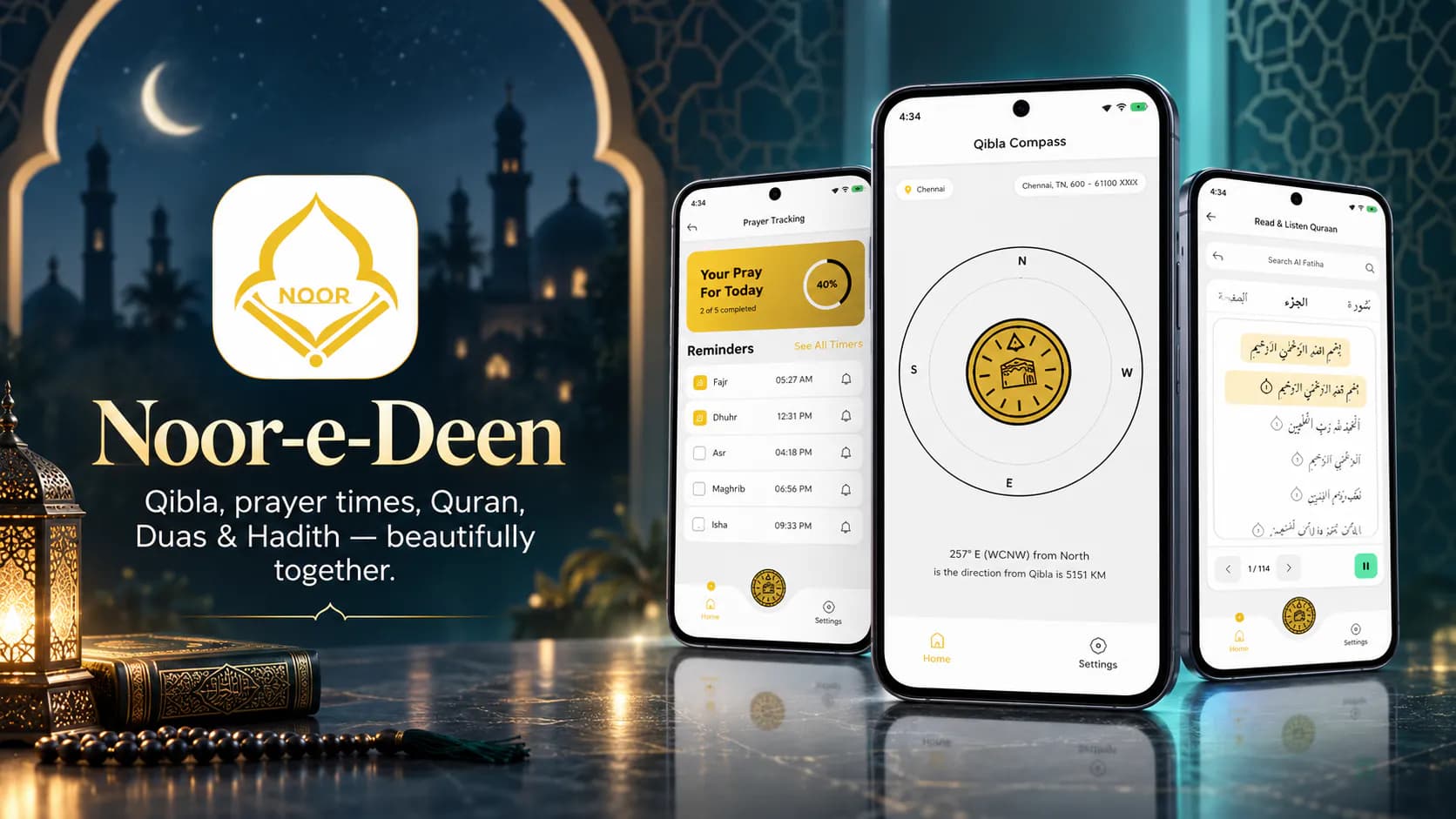
Noor-e-Deen puts five daily Islamic tools in one app. There's an accurate Qibla compass. There are prayer timings for the user's location.

AI Chart Trading Analyzer is a market analysis app.
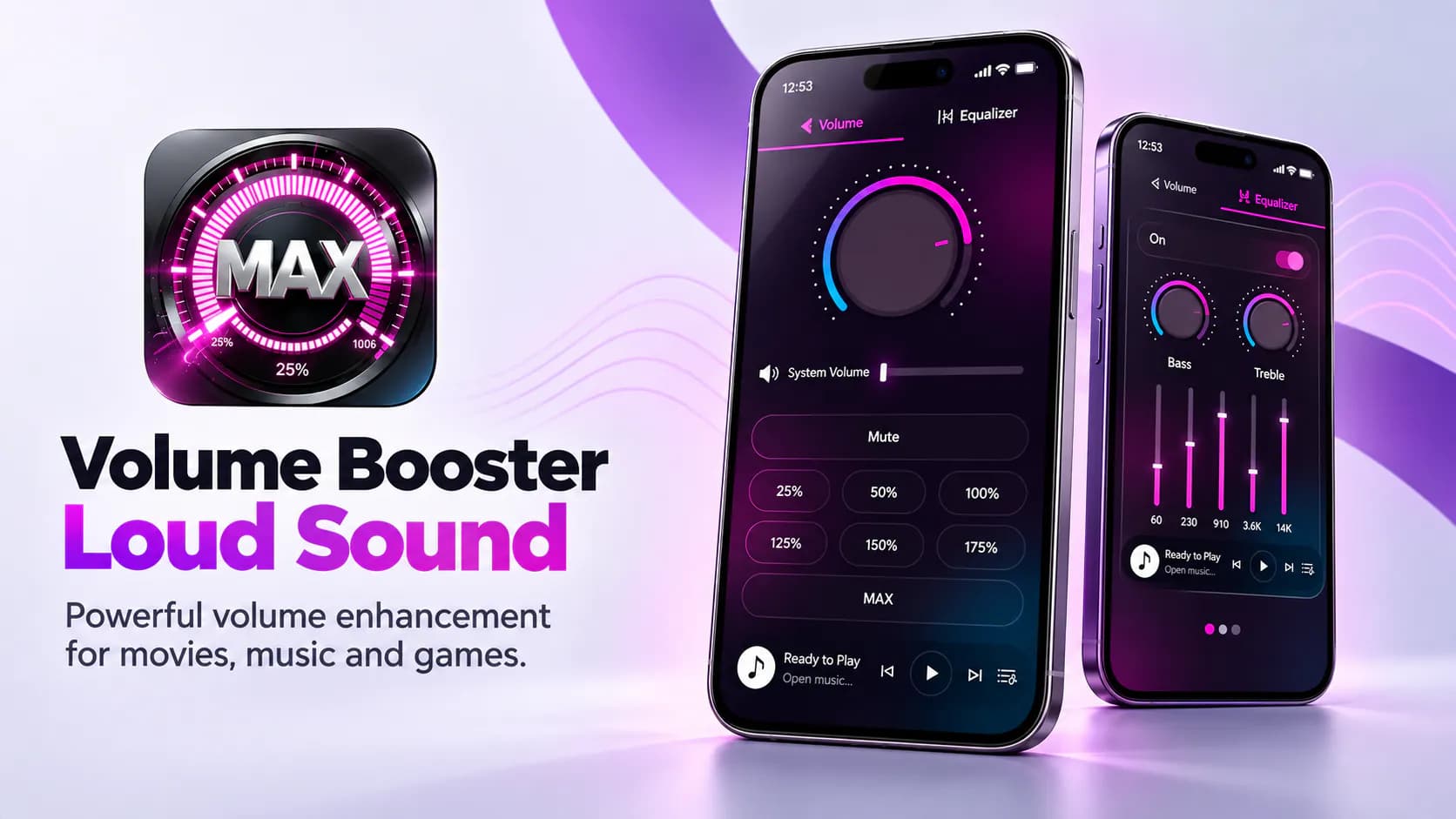
The app raises audio output past the device's standard maximum. Users get louder playback for movies, games and music.
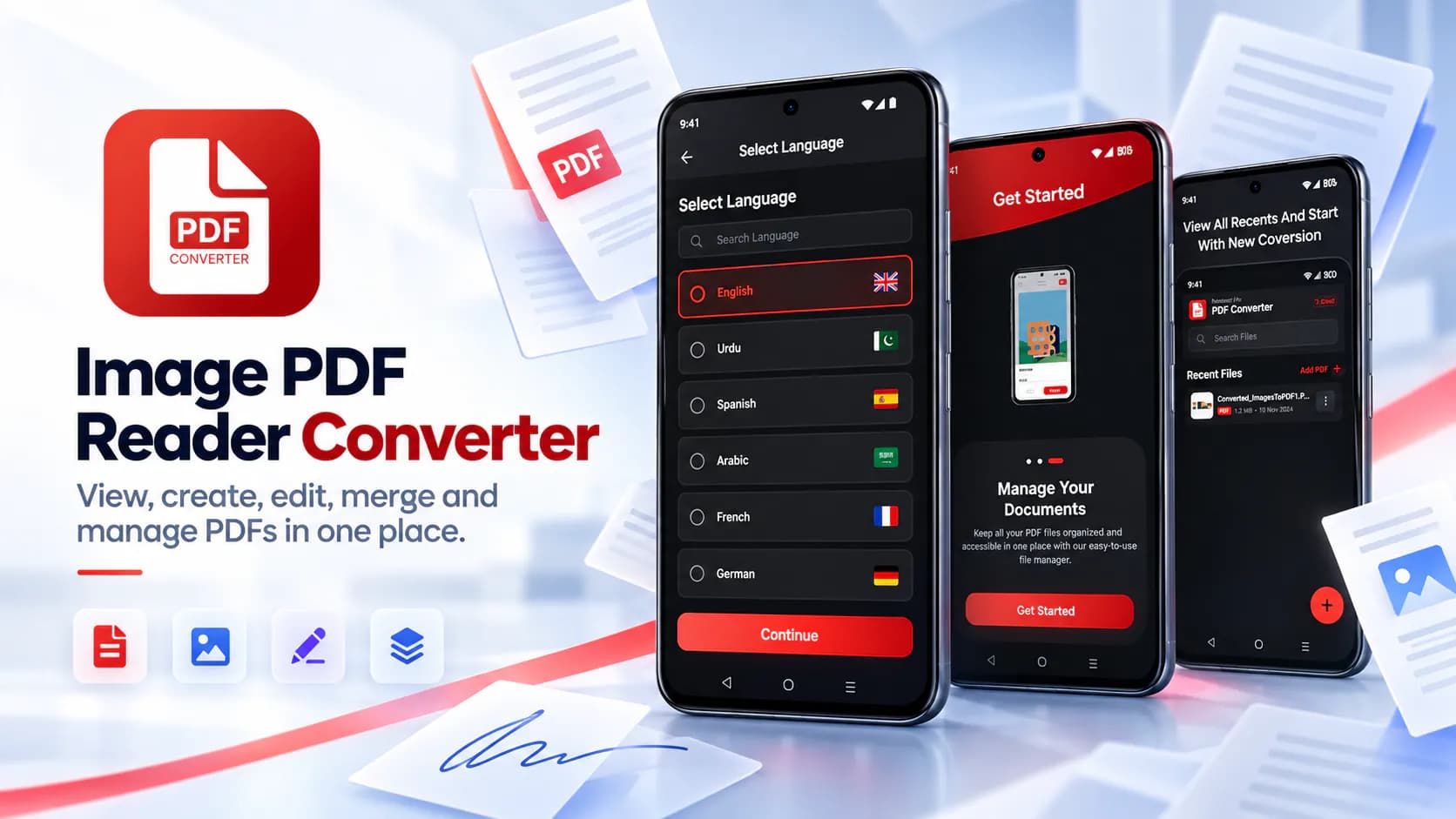
Image PDF Reader Converter is a full mobile PDF toolkit. View PDFs, turn photos into PDFs, edit pages, add signatures, merge files and split out the pages you need.