

Full Service
Plans
Comprehensive roadmap execution from infrastructure to identity.
Explore PlansIn-House Products
See where the money actually went.
Expense Tracker Monthly Budget is a personal finance app for recording spending and making sense of it. Users log transactions as they happen.
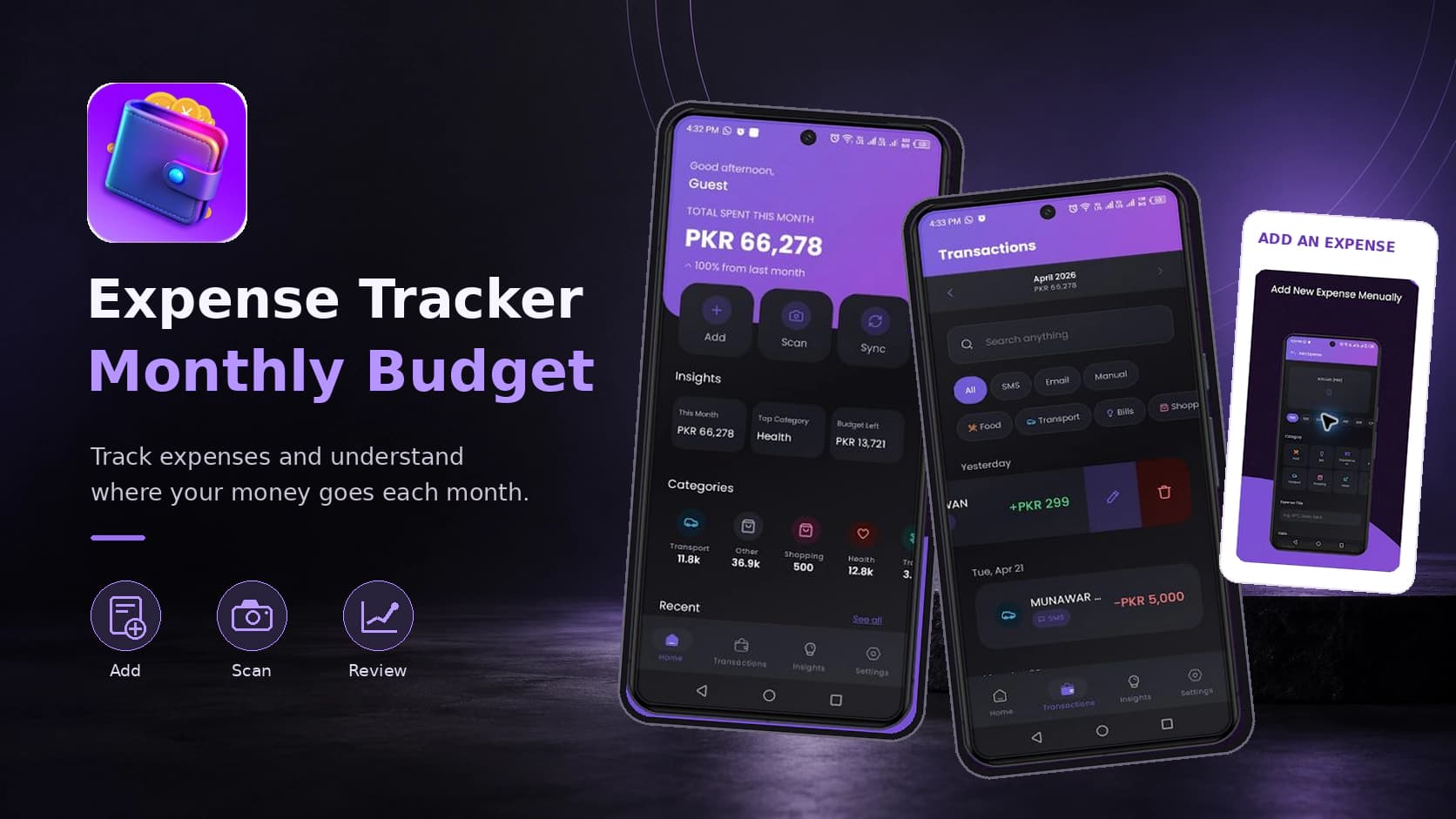
Expense Tracker Monthly Budget is a personal finance app for recording spending and making sense of it. Users log transactions as they happen. The app turns that record into a picture of where the money goes across the month. It's for anyone running a personal or household budget who wants a clear view of their spending without the cost, complexity or bank-linking of a full financial platform.
Most people know roughly what they earn. Few know where it goes. The money leaves in small amounts across dozens of transactions. By the end of the month the total is a surprise. The tools meant to fix this fail in predictable ways. Spreadsheets work in principle. Almost nobody keeps one going for long. Logging a coffee in a spreadsheet on a phone is tedious enough that people quit after a week. Full-featured finance apps fix the effort problem by connecting straight to bank accounts. That asks the user to hand banking credentials to a third party. Many people won't do that. And account linking is not available in all markets. Many of those apps also sit behind subscriptions that are hard to justify when the goal is to spend less money. Something in between was missing. Quick enough to keep using. Useful enough to be worth the effort. No subscription and no bank access.
We built the app around fast manual entry and useful monthly summaries. A transaction takes a few taps to log. That is the single most important design constraint in this category. An expense tracker that takes thirty seconds per entry gets abandoned inside a fortnight. Those entries then roll up into monthly insights. The user sees the shape of their spending instead of a list of what they typed in. Entry is manual rather than bank-linked. So the user never has to share banking credentials with anyone. That removes the biggest objection people have to finance apps. It also makes the app usable in markets where account linking is not an option. The monthly framing was deliberate. Most people's financial life runs on a monthly cycle of income and bills. That is the period over which spending makes sense to review. The app is free and ad-supported rather than subscription-based. That matters more here than in most categories. A budgeting tool that costs money is working against its own purpose.
The decision that shapes the whole product was manual entry over bank linking. Bank integration makes a richer app. It's what the biggest names in the category do. But it asks users to trust a third party with financial credentials. It leans on aggregation services that do not cover all markets. And it carries ongoing costs that push a product toward subscription pricing. Manual entry sidesteps all three problems at once. The price is a little effort from the user. That trade only works if entry is genuinely fast. So speed of logging became the central design constraint rather than a nice-to-have. We picked free ad-supported distribution on purpose. Charging a monthly subscription for a tool meant to cut monthly spending is a contradiction the user will notice sooner or later.
Platform: Android. Published on Google Play under the WANDERCODE developer account. Core capabilities: local transaction storage and persistence, category and date organisation of entries, monthly aggregation and summary generation, spending insight calculation and mobile advertising integration. Data practices: no data collected by the app. Device identifiers are shared with third parties for advertising.
The app is live on Google Play in the Finance category with 1,000+ downloads and a 3+ content rating. It was last updated in September 2026. That makes it one of the most recently maintained products in the portfolio. It turns a vague sense of where money goes into a recorded picture of the month the user can review. No bank account to link. No subscription to pay. Keeping entry fast deals with the real reason expense trackers get abandoned. Avoiding bank linking removes the objection that stops many people installing a finance app at all. The app collects no user data of its own. That's a meaningful position for a product in the Finance category. For WanderCode it shows local data persistence, aggregation and reporting in a consumer app. It also extends the portfolio into personal finance alongside the utility, AI and gaming products.
Project at a Glance

Noor-e-Deen puts five daily Islamic tools in one app. There's an accurate Qibla compass. There are prayer timings for the user's location.

AI Chart Trading Analyzer is a market analysis app.
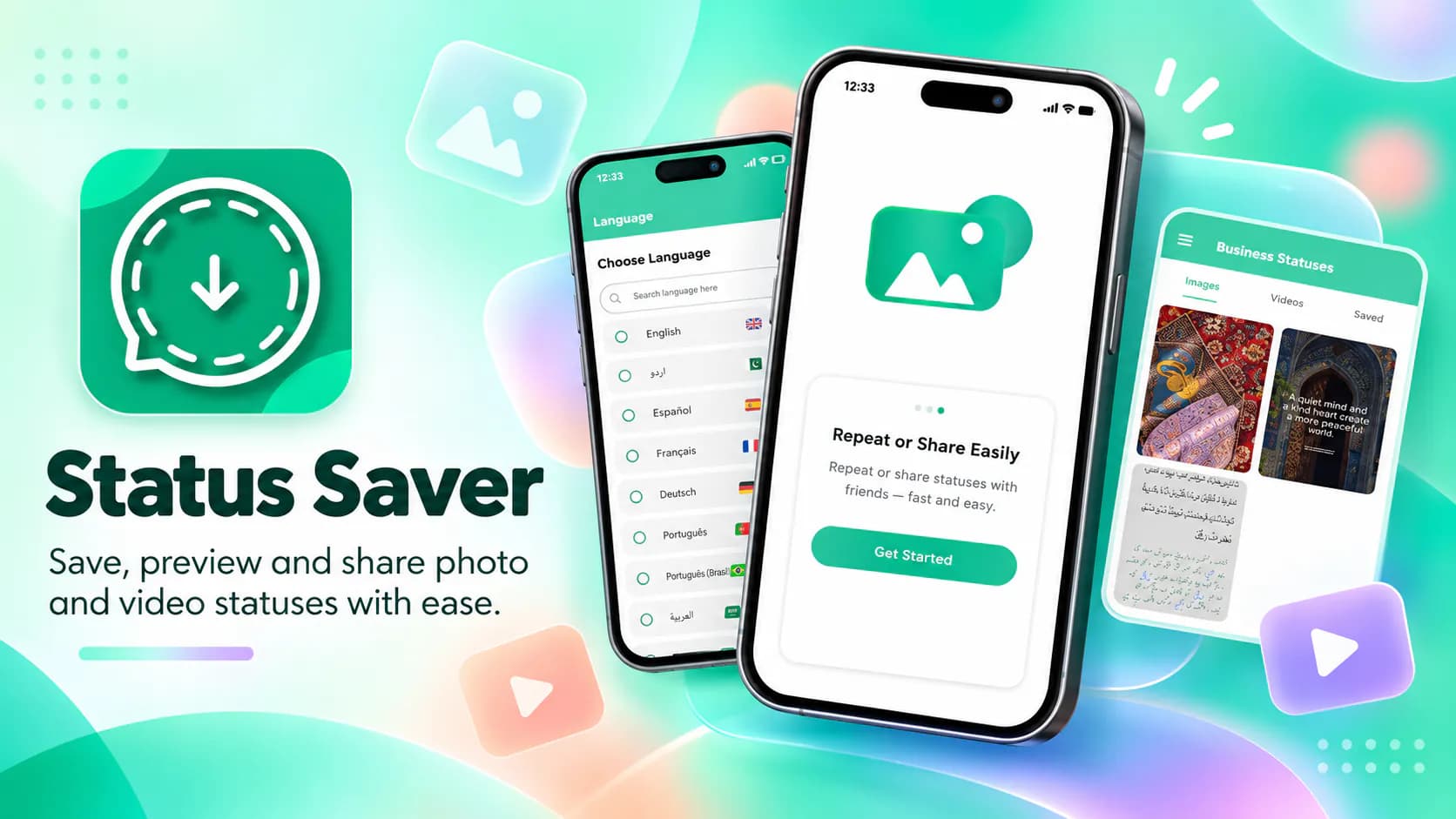
Status Saver lets users download and keep the photo and video statuses their contacts post on WhatsApp. Saved items can be viewed offline and reshared.
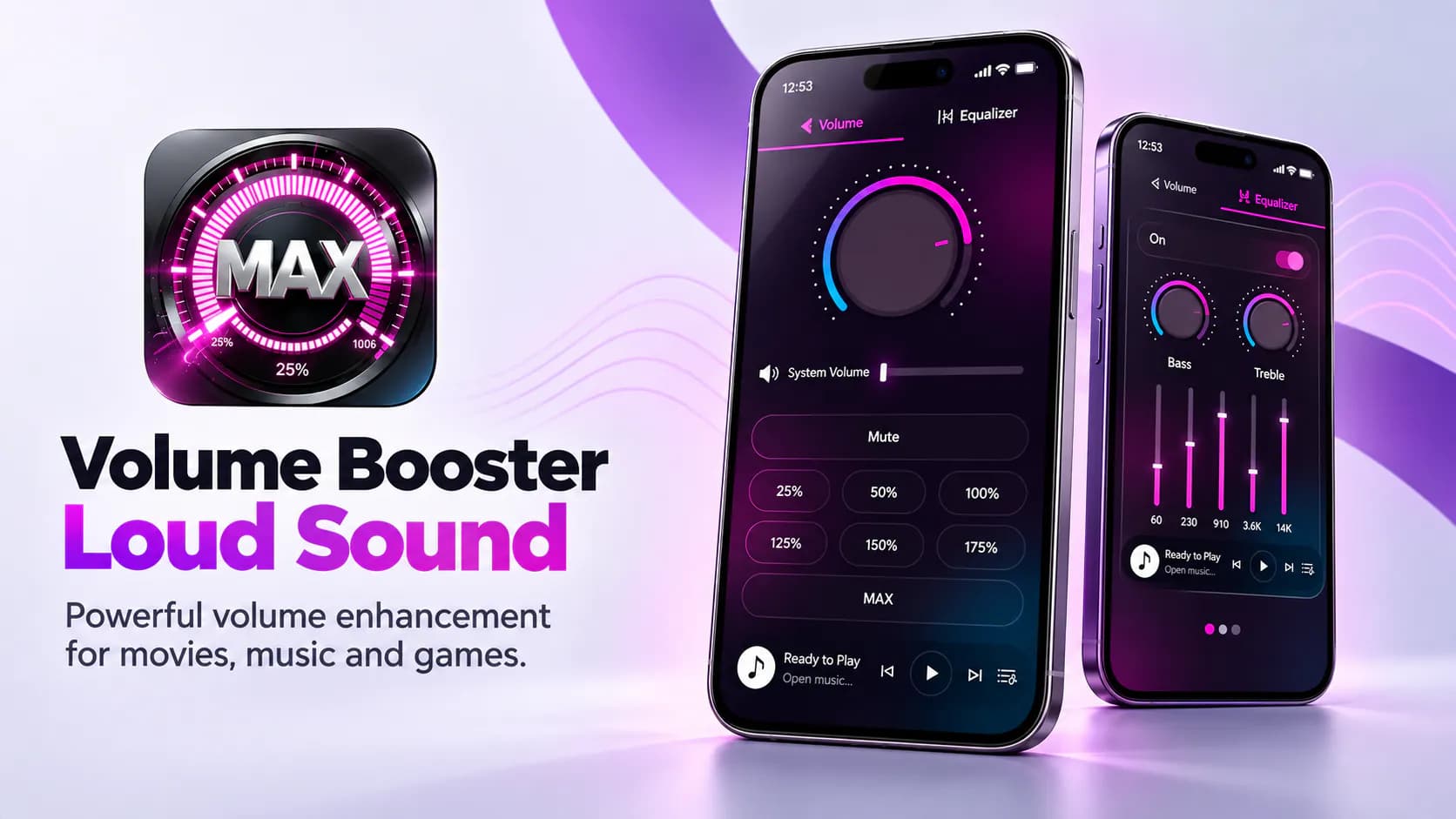
The app raises audio output past the device's standard maximum. Users get louder playback for movies, games and music.